Introduction
What is Dev Reel?
Dev Reel is a tool that transforms special code blocks in your README.md into beautiful animated terminal previews in SVG format. Perfect for documenting CLIs, showing installations, or creating visual demos that work directly on GitHub, npm, or anywhere that supports SVG.
How it works
You write special code blocks in your README.md with frontmatter syntax, run the build command, and Dev Reel generates ready-to-use animated SVG files. Everything is made with pure SVG and CSS animations - zero JavaScript at runtime.
Before and after
Before, you would write this in your README:
markdown
```bash$ npm install my-awesome-cli$ my-awesome-cli --helpCommands: build Build your project dev Start development server```Now you can write this:
markdown
```dev-reeltitle: Installationtheme: promise-incanimation:  - typing  - fade-linesframe: terminal
$ npm install my-awesome-cli✔ Installed successfully in 1.2s
$ my-awesome-cli --helpCommands:  build    Build your project  dev      Start development server```
And get an animated SVG with typing effect, custom themes, and styled frames:
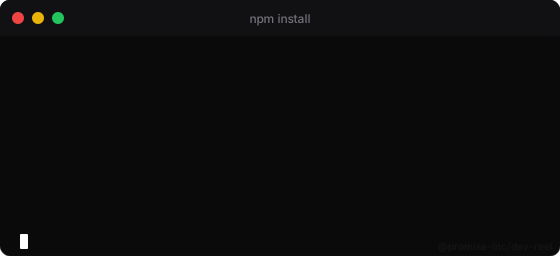
Terminal frame with default theme
Why use Dev Reel?
- Pure SVG: works anywhere, no JavaScript required
- Smooth animations: 11 types of CSS animations ready to use
- Professional themes: Dracula, Nord, Catppuccin and more
- Multiple frames: terminal, browser, mobile, card
- Watch mode: iterative development with automatic rebuild
- Bento layouts: organize multiple previews in a grid
- Zero configuration: works out-of-the-box
Dev Reel is especially useful for CLI projects, npm libraries, and any project that benefits from visual demos in the README.
Use cases
- Document CLI installation and setup
- Show command output with colors and formatting
- Create visual step-by-step tutorials
- Demonstrate features with animated examples
- Add personality to your README
- Create previews for project landing pages